An Ejari download is useful when you need a fresh copy of your rental registration certificate or want to keep a clear digital file. Start with the official service and the correct reference numbers. A screenshot passed from one person to another may be old, incomplete or hard to read.
Open the official certificate service
Dubai Land Department provides a Download Rental Certificate service. Its form asks for the Ejari contract number and a property reference using the DEWA premise or municipality route. Follow the fields shown for your chosen option and complete the on-screen check yourself.
Check the website address before entering rental information. Use a saved official link or navigate from the DLD website rather than a message from an unknown contact. Avoid uploading your full identity file to a site merely because it promises a faster certificate.
Prepare the right reference numbers
Keep your existing certificate or registration record open while entering the details. Read the label on each field carefully. A customer account number, property reference and Ejari contract number are not interchangeable. Typing the right number into the wrong field will not help the service find the correct record.
Copy numbers carefully and check for missing digits or extra spaces. If you share the home with another person, ask which contract and rental period you are retrieving so that you do not use an earlier record by mistake.
Read the file after downloading
Open the certificate and compare the names, property details, rent and tenancy dates with your signed agreement. Make sure every page is readable. Save the official file before making a print copy or sending it to a verified service provider.
A useful filename contains the property name and rental period without exposing identity numbers. Keep the certificate with the signed contract and addendum. If you keep copies in more than one folder, replace outdated working copies carefully so that you know which version is current.
If the service cannot find your record
First recheck the numbers and the reference type you selected. Then contact the landlord, property manager or official service channel that handled registration. Ask whether registration was completed and request the correct reference. Keep any error message and application number for follow-up without posting personal details publicly.
Do not repeatedly pay another service merely because the first lookup fails. A mismatch may need a correction or clarification. Downloading a file also does not renew an expired registration or change the terms of a contract.
Keep the next step clear
Our Ejari meaning guide explains the role of the certificate. If you are arranging a move, review the Dubai rental checklist as well as the paperwork process.
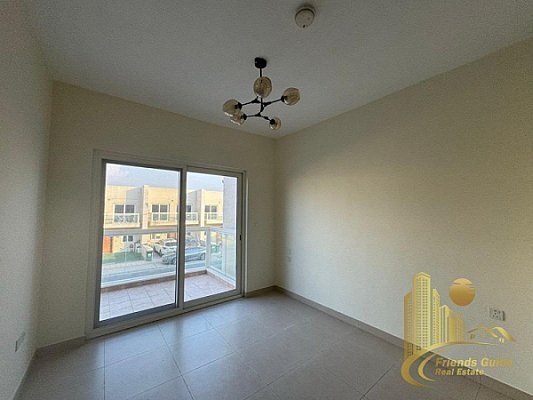
Official service checked on 26 September 2026. Featured image: an illustrative rental-home interior from our property collection.
Ejari Registration Dubai
Continue your research with current Friends Guide Real Estate listings and related property pages: Properties for sale in Dubai · Properties for rent in Dubai · Dubai real estate team.